
Download Doom 3 demo – FPS, first-person shooter, demo, id Software, Android
Overview
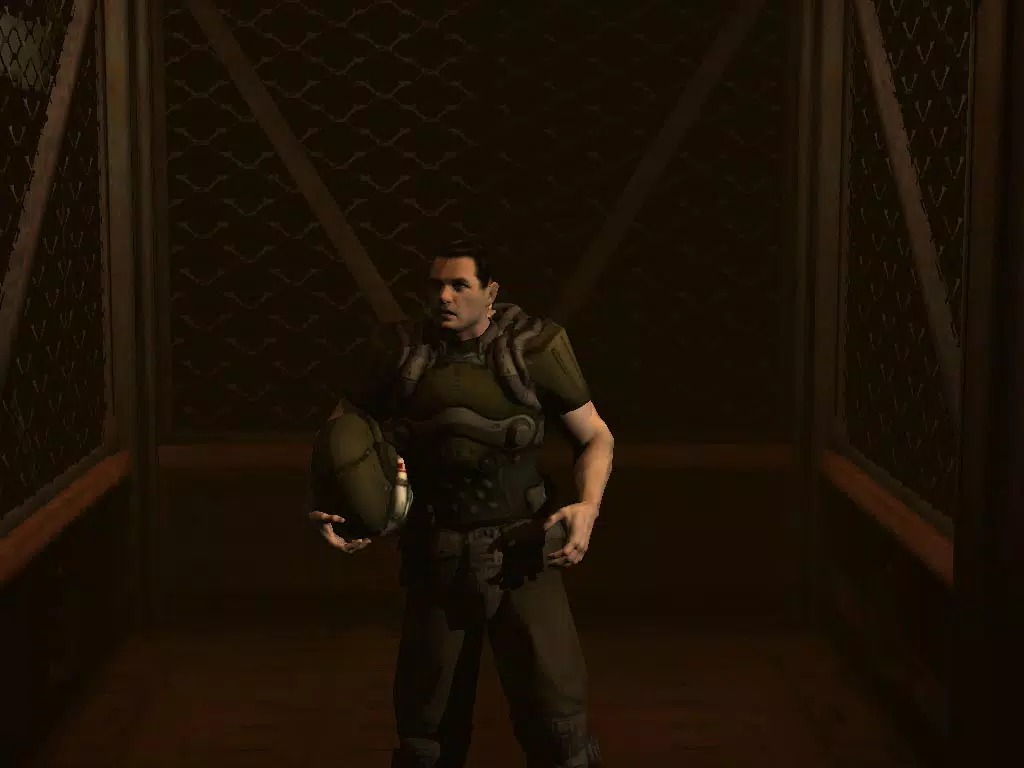
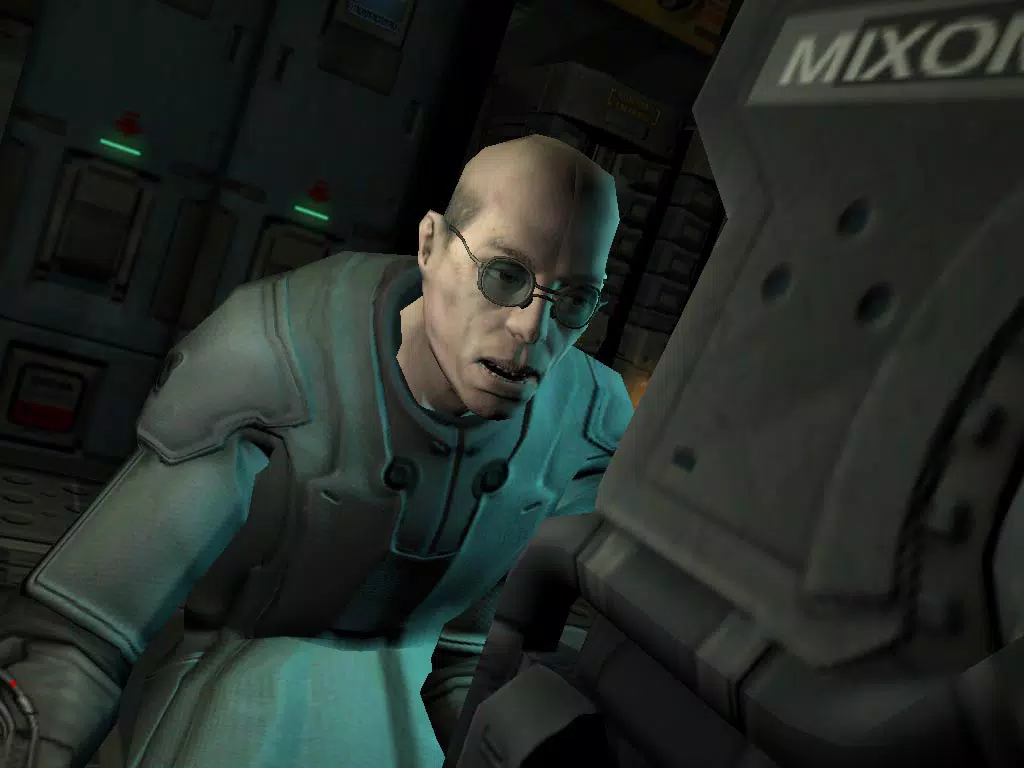
The Doom 3 demo is a long-anticipated first-person shooter (FPS) that offers players a compelling preview of the immersive and action-packed world awaiting in the full release. Developed by id Software, a studio renowned for pioneering the FPS genre with titles like the original Doom and Quake, this demo serves as a showcase of advanced game design, atmospheric storytelling, and technical prowess. The demo places players in the Union Aerospace Corporation (UAC) facility on Mars, where mysterious events have led to a terrifying outbreak of otherworldly creatures. Designed to highlight the game’s core strengths, the demo presents a self-contained experience with multiple levels, varied environments, and a tense, suspense-driven narrative.
Targeted at both casual gamers and dedicated FPS enthusiasts, the demo provides an accessible entry point to the game’s mechanics and tone. Its three difficulty levels ensure inclusivity across skill levels, making it suitable for players of varying experience. The demo’s real-world use cases include testing game performance on mobile devices, evaluating visual fidelity and control responsiveness, and offering a free, high-quality gaming experience to fans of the genre. In the broader app ecosystem, the Doom 3 demo holds significance as a mobile port of a legacy title, demonstrating the growing capability of Android devices to handle graphically intensive games.
Key Features & Functionality
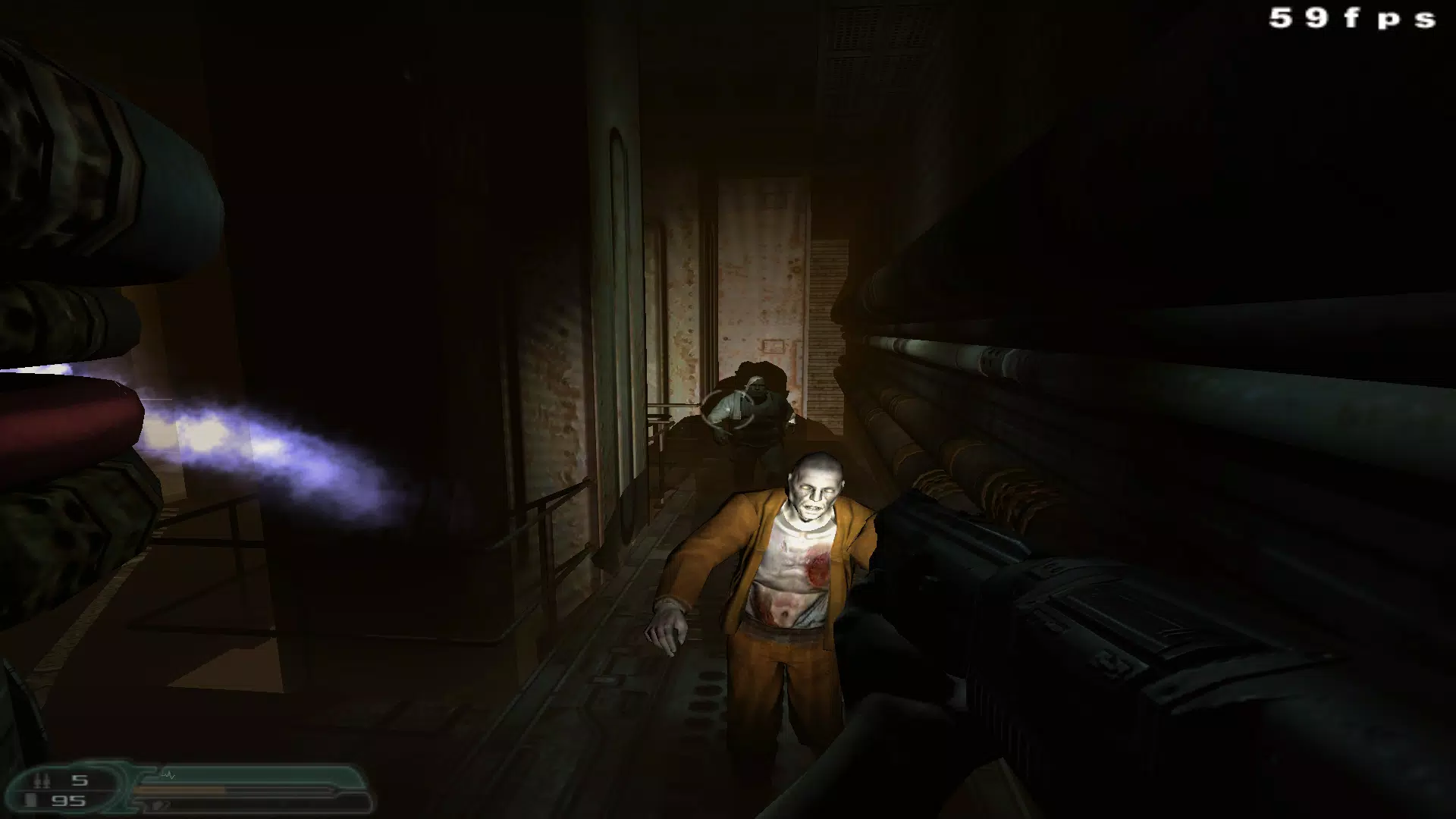
- Immersive Graphics and Sound Design: The demo delivers high-fidelity visuals and spatial audio, creating a deeply engaging atmosphere. Realistic lighting, dynamic shadows, and detailed textures enhance the sense of presence, while directional sound cues help players detect threats in dark corridors.
- Expansive Martian Facility Environment: Players explore interconnected sections of the UAC facility, including maintenance tunnels, research labs, and control rooms. Each area is designed with environmental storytelling, offering clues about the facility’s downfall through scattered notes, recordings, and visual decay.
- Weapon and Equipment Variety: The demo includes access to core tools such as the Pulse Rifle and the PDA. The PDA functions as a narrative device, storing mission logs, access codes, and video recordings that advance the story and guide players through puzzles and obstacles.
- Atmospheric Tension Mechanics: A key gameplay mechanic limits players to holding either a flashlight or a weapon at any given time, increasing vulnerability in dark spaces. This design choice amplifies suspense and forces strategic decision-making during encounters.
- Three Difficulty Levels: Players can choose from easy, normal, and hard settings, adjusting enemy aggression, health, and resource availability. This ensures the experience remains challenging yet approachable for all skill levels.
These features combine to deliver a cohesive, narrative-driven experience that emphasizes survival over combat, encouraging players to explore, listen, and react rather than charge forward blindly. The demo’s use of environmental cues and psychological tension sets it apart from more action-focused mobile shooters.
Interface, UX & Performance
The user interface of the Doom 3 demo is designed with clarity and functionality in mind. The HUD (heads-up display) is minimal, avoiding visual clutter while providing essential information such as health, ammo, and objective markers. Navigation is intuitive, with on-screen controls optimized for touch-based interaction, including virtual joysticks and contextual buttons for weapon switching and interaction.
The visual style leans heavily into realism, with a muted color palette and dynamic lighting that reacts to player movement and environmental changes. This contributes to the game’s oppressive atmosphere and enhances immersion. Although the developer did not list formal performance metrics, the demo runs smoothly on a range of Android devices, with responsive controls and consistent frame rates during key action sequences.
Stability appears to be well-managed, with no reported crashes or freezes during standard gameplay. The demo’s performance on lower-end devices may vary, but the developer has not specified minimum requirements. Overall, the interface prioritizes usability without sacrificing the game’s core tension, making it a strong example of mobile-first design in a traditionally console-centric genre.
Platform Compatibility & Technical Requirements
The Doom 3 demo is available exclusively on Android, making it accessible to a broad audience of mobile gamers. It requires Android 6.0 or later, though the developer did not specify minimum OS requirements. The app has a file size of 200 MB, which is relatively compact for a game with such high visual fidelity.
Compatibility with different device categories is not fully disclosed. However, the demo’s performance on various screen sizes and processor architectures suggests it has been optimized for a wide range of Android hardware. No additional permissions or external dependencies were noted in the provided data. The version is listed as 1.0, indicating it is a stable initial release.
Pros and Cons
- High-quality graphics and immersive audio for a mobile FPS
- Engaging atmosphere and tension-driven gameplay
- Three difficulty levels for varied player experience
- Free to download and install on Android
- Authentic id Software gameplay and narrative depth
- Only a limited portion of the full game is available
- No multiplayer or additional game modes included
- Performance may vary on older or low-end Android devices
- Requires a capable device for optimal visual experience
- Minimal in-app content beyond the demo’s core levels
FAQ
Is the Doom 3 demo free to download?
Yes, the Doom 3 demo is available at no cost on the Android platform.
Can I play the Doom 3 demo on iOS devices?
The demo is currently only available for Android. No iOS version was listed in the provided information.
Does the demo include multiplayer functionality?
Based on the provided details, the demo does not include multiplayer modes. It focuses on a single-player, story-driven experience.
How large is the Doom 3 demo file?
The demo has a file size of 200 MB, making it relatively lightweight for a high-end mobile game.
Will the demo receive future updates?
The developer did not provide information on update plans. Future updates may be released based on player feedback and technical performance.
Final Thoughts
The Doom 3 demo stands as a powerful testament to the evolution of mobile gaming, proving that complex, atmospheric first-person shooters can thrive on Android. With its intense atmosphere, polished visuals, and thoughtful design, it offers a compelling glimpse into a full game that promises depth and dread in equal measure. While it is limited in scope, the demo effectively captures the essence of what makes Doom 3 a landmark title in gaming history. Whether you're a long-time fan of the series or a newcomer to the genre, this free experience delivers value through its craftsmanship and attention to detail.
For fans of FPS games, atmospheric horror, and mobile gaming innovation, the Doom 3 demo is a must-try. It strikes a balance between challenge and accessibility, thanks to its three difficulty levels and intuitive controls. The free price point makes it risk-free to explore, and its technical quality sets a new benchmark for mobile ports of legacy titles.
Download Doom 3 demo now


